Game Mode Lifecycle
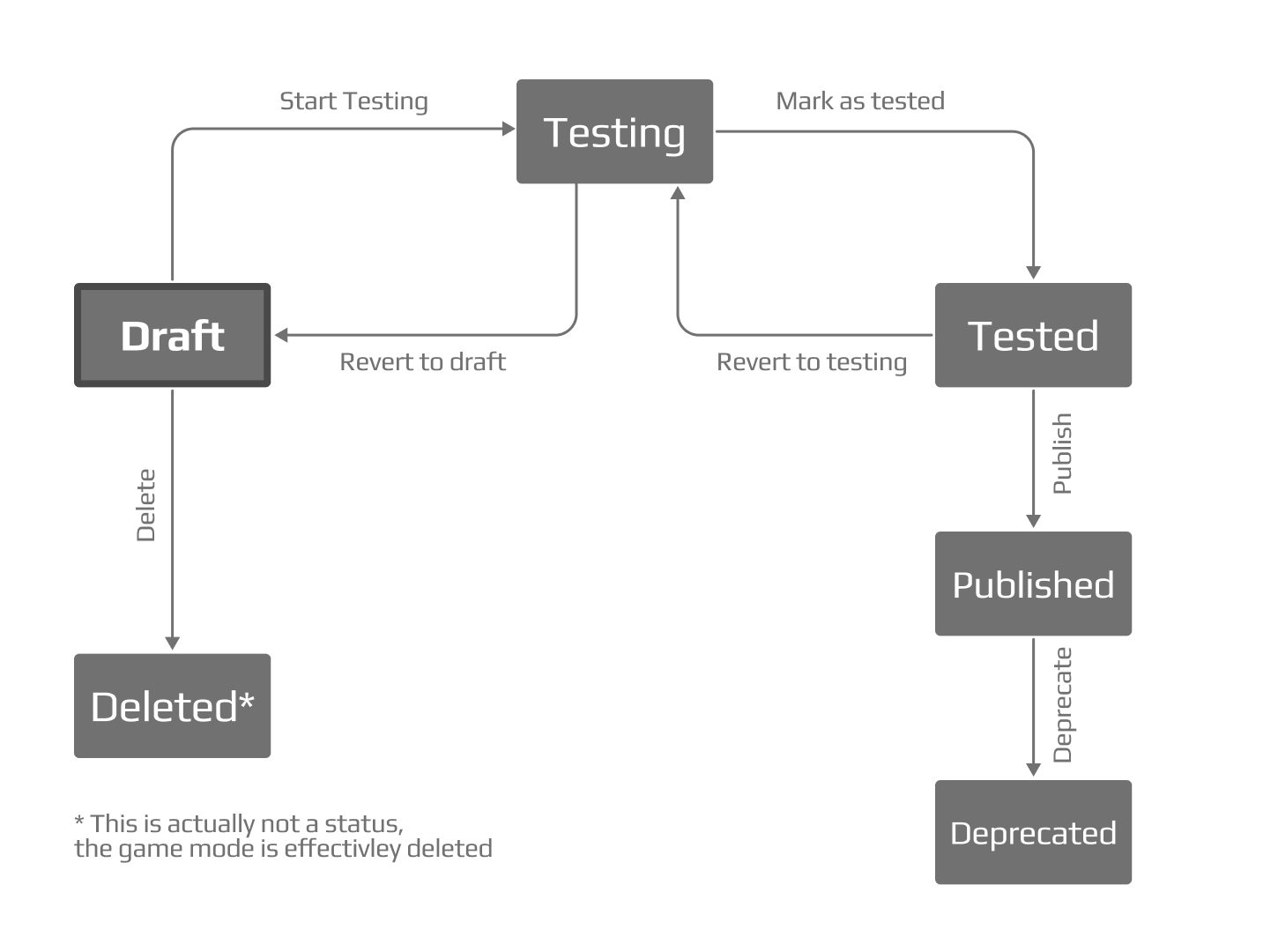
A newly created game mode will be in “draft” state, meaning that it can be saved, closed, and later reopened for further edits, or deleted altogether. When you are ready to test the game mode on the game’s test environment (normally your sandbox), you can transition the game mode to “testing” state. This action will publish it in the test environment, where you can create competitions using that game mode. At this time, the game mode will no longer be editable. If you do need to make adjustments to it, you may transition it back to “draft” state. Once you are happy with the way the game mode works on the test environment, you may transition it to the “tested” state, from which you can either revert it to the “testing” state or publish it to the production environment, i.e. make it available on faceit.com. Once it’s in the production environment, there’s no going back: if you need to alter it you will need to make a new version of the game mode.
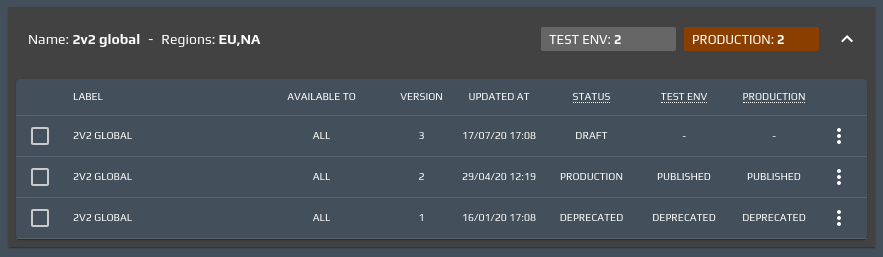
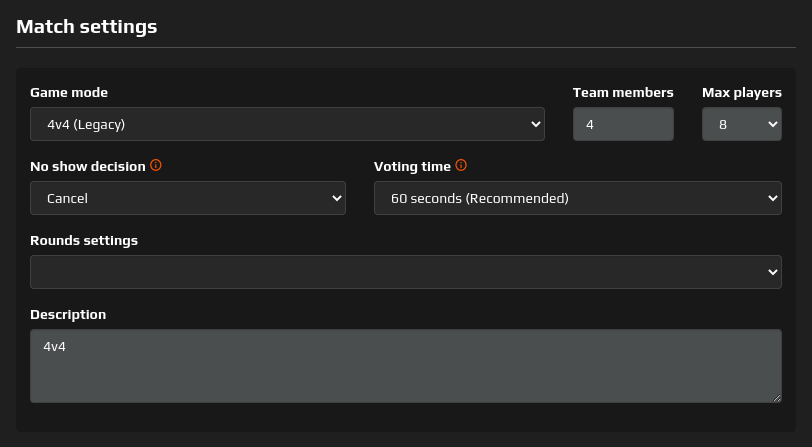
When the new version is published to an environment (the sandbox while in testing or production when it can go live) the previous version in that environment will automatically be marked as “deprecated” and will no longer be selectable in competition settings. All the competitions that are using a deprecated game mode won’t automatically be upgraded to the new version: the settings page will show the game mode in use as “Legacy”; it is the competition organizer’s responsibility to upgrade the competition with the latest available game mode version.
Moreover, you may clone a game mode to produce an identical new one in “draft” state (hence, editable) and whose version is reset to 1. It will lose any binding to the game mode it was originally cloned from, and can be edited independently.