Nickname, Elo and Stats Update Flows
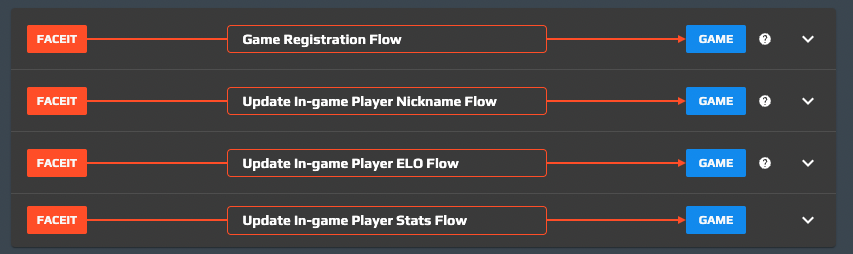
Aside from the registration flow, the only mandatory one, we can define other optional flows that can be invoked after the game profile is linked. FACEIT reads the player information (nickname, level, etc) at registration time and stores it into the user profile. After that operation, the player's information is not automatically refreshed with the current one: there’s no automatism that keeps all the linked profiles in sync with the information present inside the game. Sometimes players change the game nickname, they reach higher ranks or gain more experience and so they want to update their information stored on FACEIT. The optional flows are there to fulfill that need.
Update Nickname
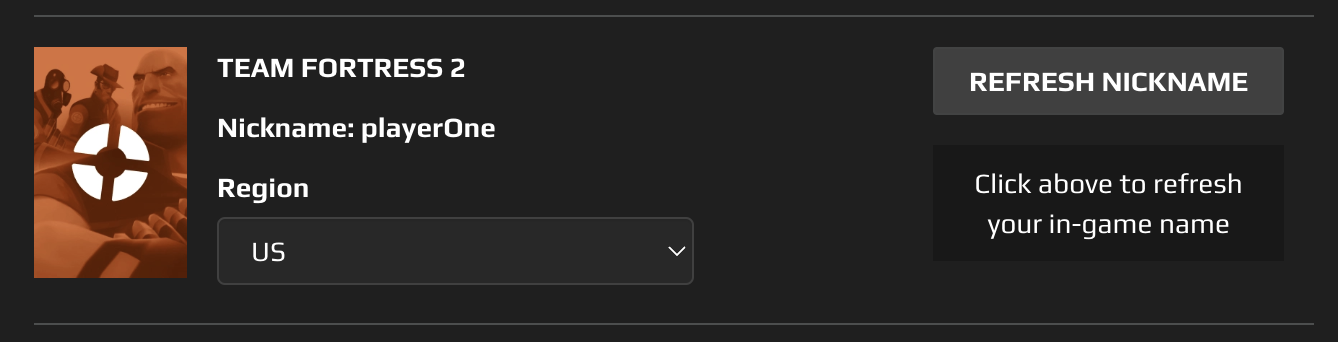
Under the Game Settings tab of the FACEIT frontend, players will see the list of all the games they linked, with the ability to manually start the update nickname flow (REFRESH NICKNAME button). The game developer can define an endpoint that will be called when the flow is triggered. The goal of the endpoint is to update the gameName variable inside the context, the variable used as the new game nickname.
Update Elo
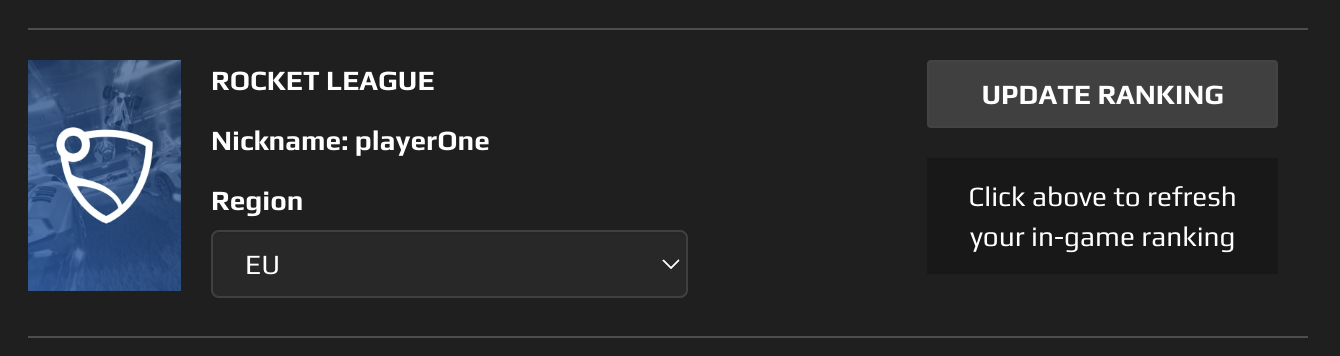
Under the Game Settings tab of the FACEIT frontend, players will see the list of all the games they linked, with the ability to manually start the update elo flow (UPDATE RANKING button). The game developer can define an endpoint that will be called when the flow is triggered. The goal of the endpoint is to update the elo variable inside the context, the variable used as the new game elo. The mapping between the game level/experience/rank and the FACEIT elo must be defined and agreed upon with the FACEIT staff, in order to make the best choices for the elo algorithm. This flow will reset the FACEIT elo with a value that is calculated from the game information: this operation can be subject to abuse since players could try to reset the elo every time they lose too many elo points. In order to prevent that, the game developer can define, on the Game Studio, a “cooldown period” that specifies the number of days a player must wait before being able to run the update elo flow again.

Update Stats
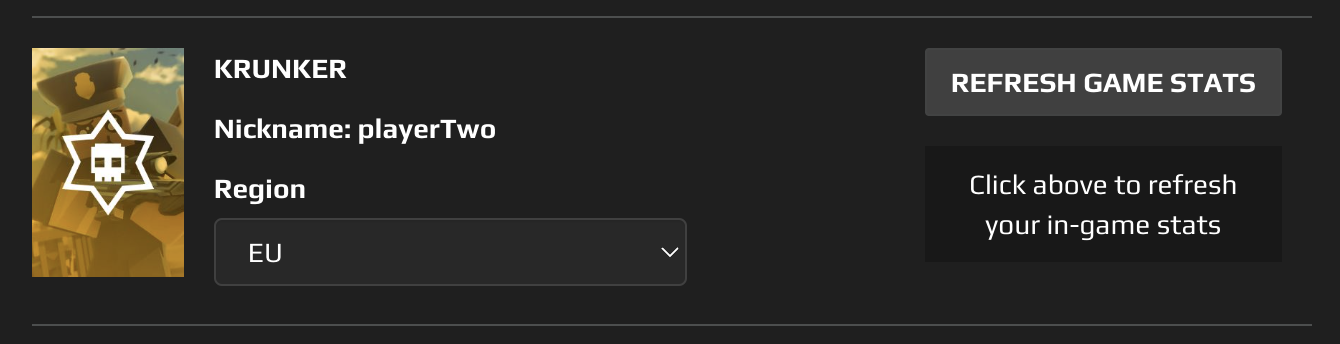
Under the Game Settings tab of the FACEIT frontend, players will see the list of all the games they linked, with the ability to manually start the refresh stats flow (REFRESH GAME STATS button). The game developer can define an endpoint that will be called when the flow is triggered. The goal of the endpoint is to update the gameMeta variable inside the context. This flow is needed when there are some competition restrictions in place that prevent newbie players from joining specific competitions (e.g. min game level 5, min exp 8000, etc). Once the user fulfills those minimum requirements they will try to refresh the information saved on their game profile, so this flow will be invoked.